

























 Spanish Post
 DHLExpress
 Warranty 1 year
 Free 30-Day returns


No account yet?
Create an Account


That said, there are a couple of drawbacks. The system occasionally freezes and interrupts recording, and the app drains the battery on the iPhone 15 Pro quite quickly, which means carrying an extra charger is almost a must.
TL;DR: This should NOT be your first gimbal. If you’re not monetized on YouTube (1k subs and 4k watch hours), you shouldn’t buy this product. Buy a cheaper gimbal or an Insta360, but not this device. The learning curve is way, way too steep.
Most users who don’t meet the above requirements will have two outcomes:
Outcome #1: Get frustrated and return the item.
Outcome #2: Get frustrated, stick it in storage, and never use it again—until you eventually sell it to a pawn shop for $20.
Full Review:
I just purchased a DJI OSMO Mobile 7P and I’m using their MIMO app. It stores all my videos in INTERNALSTORAGEDCIMDJI Album or the DJI Export folder, and for the life of me, I cannot change it. I’m on Android.
In app settings, when I choose the MIMO app and then select Storage—like I’ve done with many other apps I’ve moved to my SD card—there’s no option to move the app or its videos to SD.
How long has this been an issue? This is my first gimbal, and I am already frustrated enough that I don’t want to record anymore. I actually feel defeated—like maybe I’m not good enough to be a “real” content creator.
Other Pet Peeves:
Random Limp Mode: Without warning, it will just go limp, the phone swings down, and it sways back and forth. Turning it off and back on fixes it—but I already have enough things in my personal life that go limp. At least that problem can be fixed with one blue pill and 30 minutes. I’m over 50, so I don’t need my gimbal competing with my health.
Follow and Hand Signals: Great idea, poor execution. Worked for the first week. Two weeks later, it’s dead. No start/stop recording from hand gestures, no tracking. Maybe in OSMO Mobile 8 they’ll add a Viagra slot so when it goes limp, you can pop a pill and get back in business.
Solo Recording Failures: The whole point of a gimbal is to help you record alone. This one? Works maybe 50% of the time. Too often, I have to run around to check the shot, only to find I’m out of frame. Yes, it’s “close,” but close doesn’t cut it.
The MIC: The only reason I didn’t return this in week one is because the mic works flawlessly.
MARKETING OVER USABILITY:
DJI, why does your MIMO app feel like 95% marketing and 5% actual shooting functionality? I rarely get a usable clip out of it. Where’s the feature parity with Android’s native camera app? Instead of shoving ads for your drones, OSMO 360, and OSMO Action 5 in my face, spend that developer time making the app usable.
Right now, I could give someone a better rundown of your entire product catalog than I could explain how to properly use the gimbal I actually bought. This app should be dedicated to shooting video, not as a showroom for your other gear. Whoever greenlit this direction should be shown the door. The app is complicated, bloated, confusing, and the tutorial is garbage. Why not have actual new users write the beginner’s guide? And why waste a whole section on “Advanced Techniques” when people can’t even get basic shots to work?
Bottom Line:
DJI makes great hardware—maybe too great for novices—but their software is a disaster. I’ve worked in IT for over 30 years, have a Master’s in Electrical Engineering, can repair PCBs at the board level, and even know assembly language. I’ve built every PC I’ve ever owned and installed every OS from Windows to Linux to OSX (including Hackintosh). If I find this app and gimbal frustrating to use, beginners are going to drown.
Fire the app team. Build an app dedicated to capturing video and photos. Want to make money? Go freemium—charge $50 to remove ads. I’d pay it today just to stop the constant marketing inside an app that’s supposed to help me create content.
Think this review is bad? Wait until you see my YouTube video showcasing your top-tier hardware ruined by bottom-tier software. It’s not too late, DJI—fix this abomination.
El hecho de que tengo el Dji Mic 2 y sea compatible me gusta mucho.
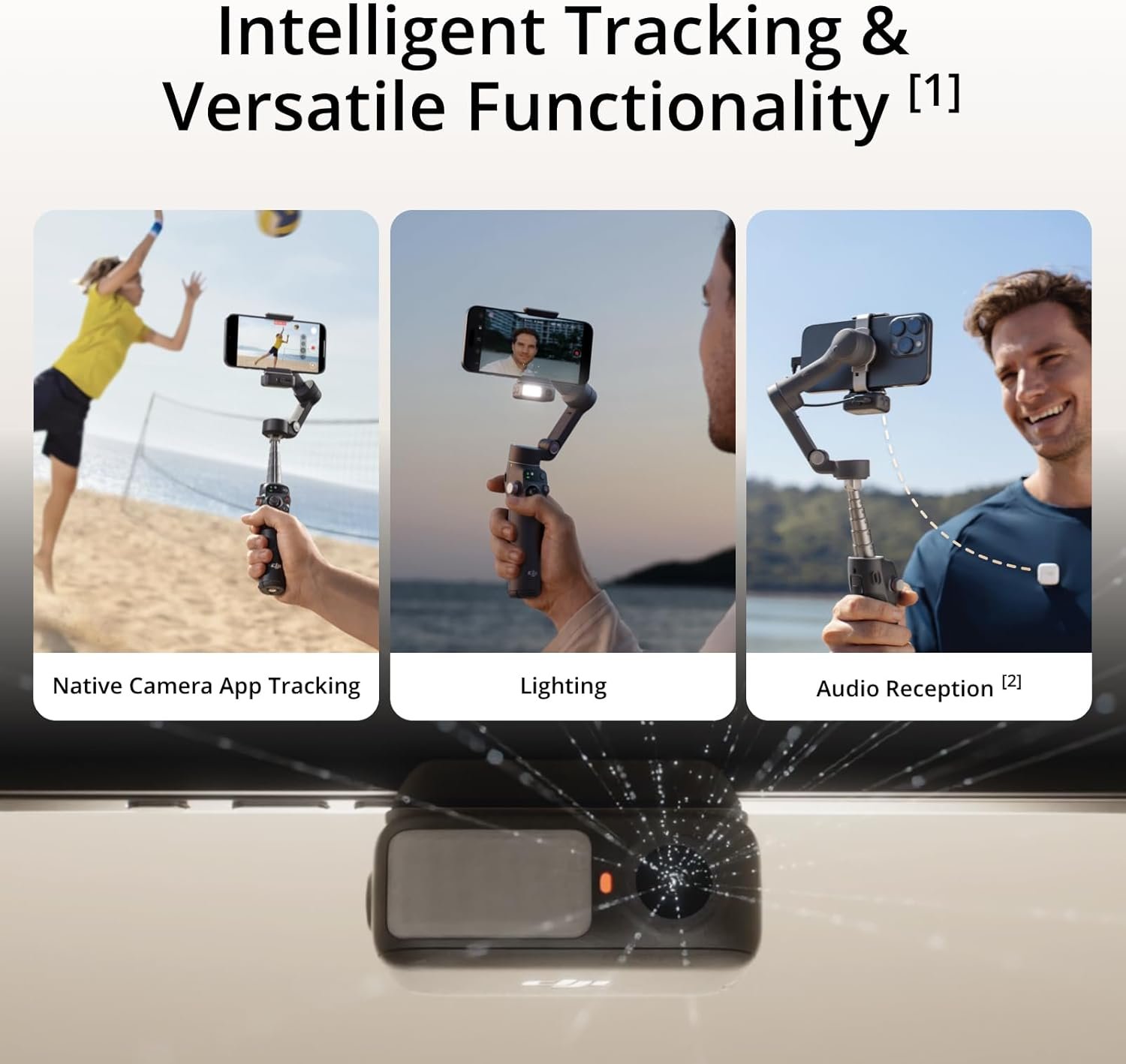
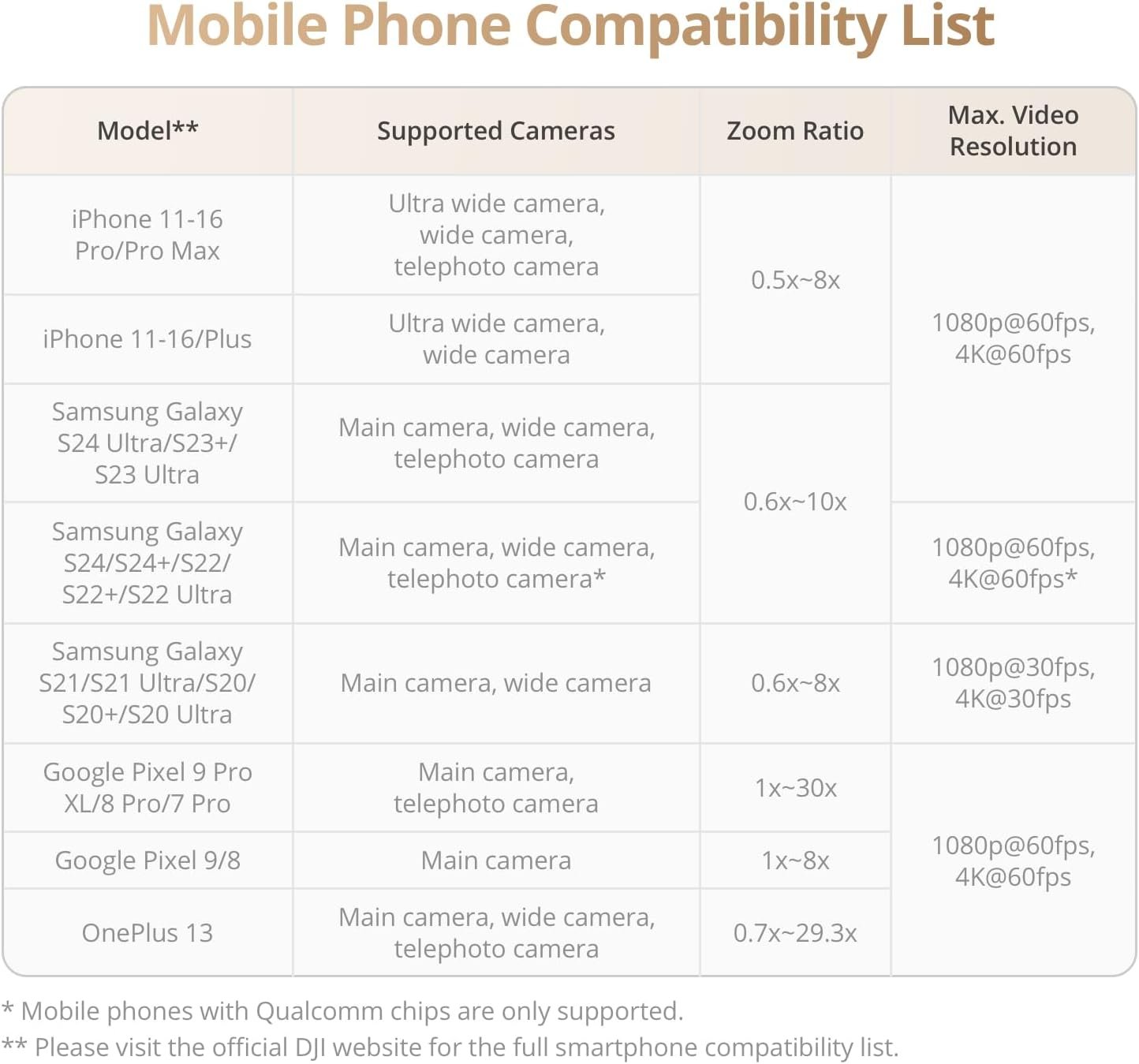
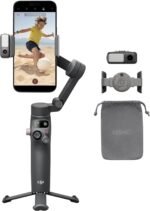
I got this model because I am new to this type of item and originally purchased the 7 not realizing that the 7p had the telescoping feature and the tracking module. I already had the mic 2 and neither the 7 or 7p can handle the mic receiver with the pro max but the 7p claimed that the tracking module can pair to the mic 2 so I figured that would solve my problem since I already have sunk cost into this system with the mic. Does it pair? yes and no. Quite a bit of trial and error to pair the mics since dji provides so little info for tech help, I really had to hunt for it. They also don't really tell you that the mic 2 pairs but will not have the same features as the mic mini once it is paired. It's hard to tell it is paired and dji osmo app does not recognize the mic 2 and does not provide the in app audio functions that are included when the mic mini is paired. I feel that this is misleading advertising, to be honest. Also, the description led me to believe that the iphone magnet is included and it's not clear at all that it is is a separate accessory, so that was pretty disappointing as well. I really dislike the clamp because, again, it does not really center quite right on the pro max due to the phone button locations and this causes further issues with stability. When using the clamp with the tracking module I get frequent error messages about the phone being unstable, not centered, and several times it disabled the motors to preserve itself. However, if you were to use the magnet instead of the clamp then the tracking module cannot be used without the clamp, so you really can't win.
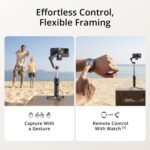
One last thing is the gestures; the product description clearly states that there is a 'double L' hand gesture for framing and it simply does not exist, even with updated firmware. It's not in the app as an option and the module does not respond to that gesture. The only two gestures available are 'start/stop' and 'follow/ unfollow'.
I'm not sure I recommend this, I don't really have anything to compare it to so maybe there aren't any others that work well with the iPhone Pro Max, either. I don't know yet. But because of these reasons I stated above I am not impressed.
When I opened the new Osmo 7P, then followed Osmo 7P first use guide (which i did the first time) and everything worked this time.
I had a chance to use the gimbal and it was easy to use. It was a thousand times better than my 4 year old Zhiyun Smooth 4, and half the size.
Great customer service by Amazon. I also purchased the 3 year protection plan extended warranty offered by Amazon, just in case...
The remote control? Works like a well-oiled machine — super responsive and makes it so easy to get creative with angles, tracking, and zooming without having to touch your phone. It honestly makes me feel like a one-person film crew.
The build feels solid and sleek, and the battery life lasts longer than my Saturday editing sessions (and that’s saying something). I also love how compact and travel-friendly it is. Toss it in your bag and go!
If you love making content whether it's travel vlogs, TikToks, Reels, or even just crisp family videos this gimbal is a must-have. DJI really knocked it out the park with this one.
Take a look at how smooth this gimbal works..
⭐️⭐️⭐️⭐️⭐️
Content creators, this one’s for you. 🎬💯
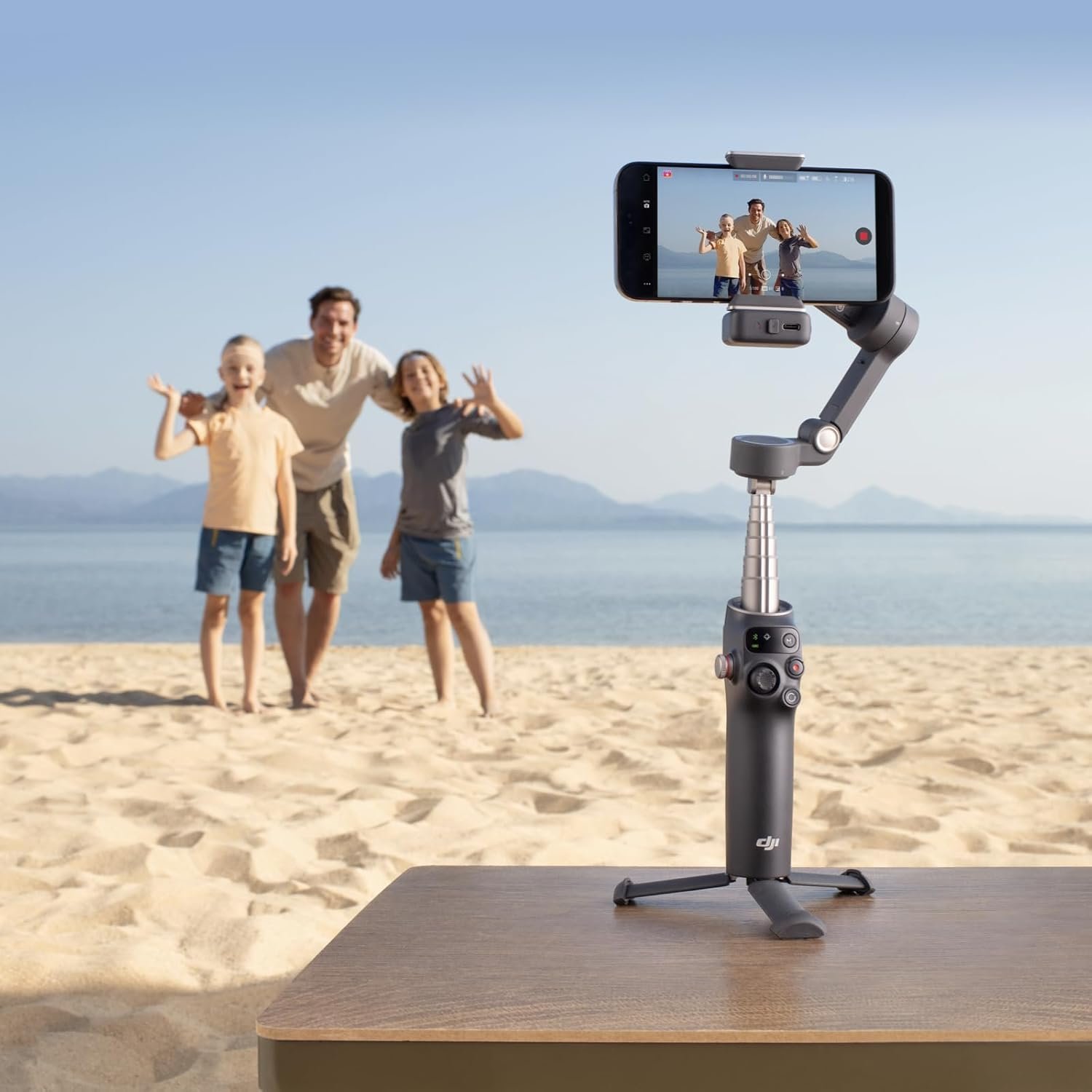
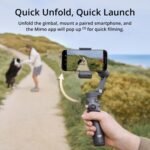
First impressions: The 7P has a sleek, premium feel right out of the box. It’s surprisingly compact when folded—definitely pocketable or easy to stash in a small bag. The redesigned locking mechanism feels sturdy and makes setup quick.
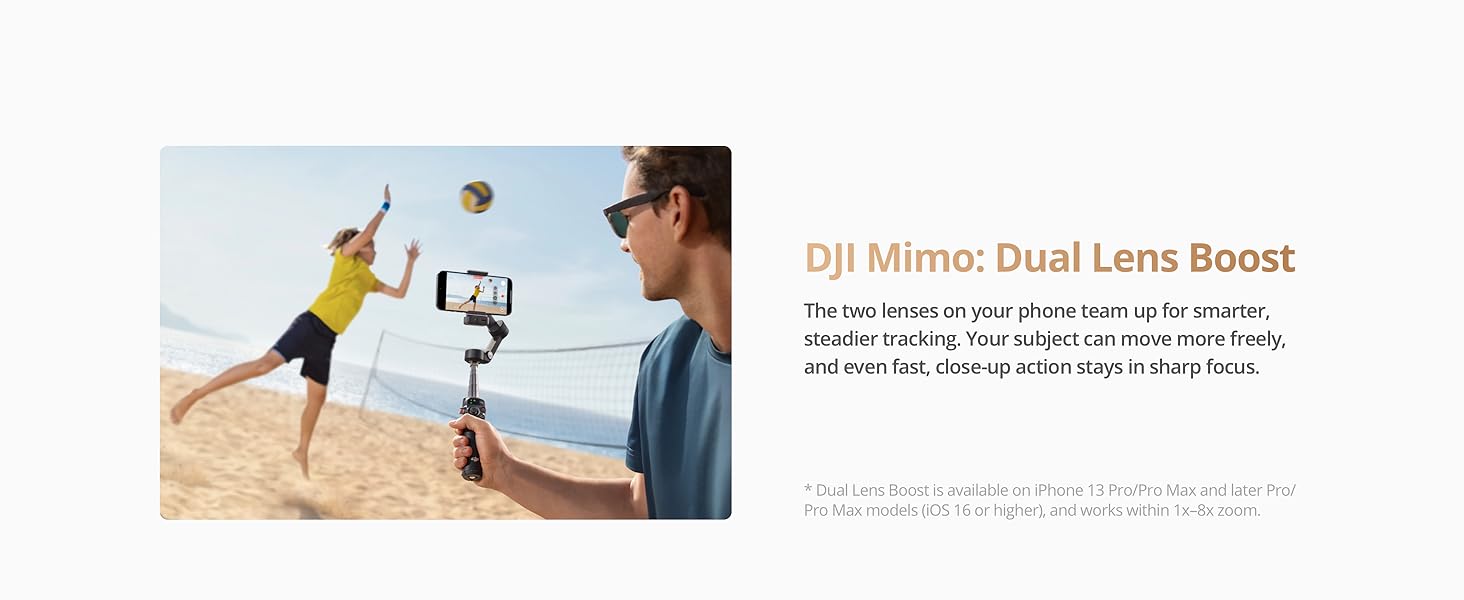
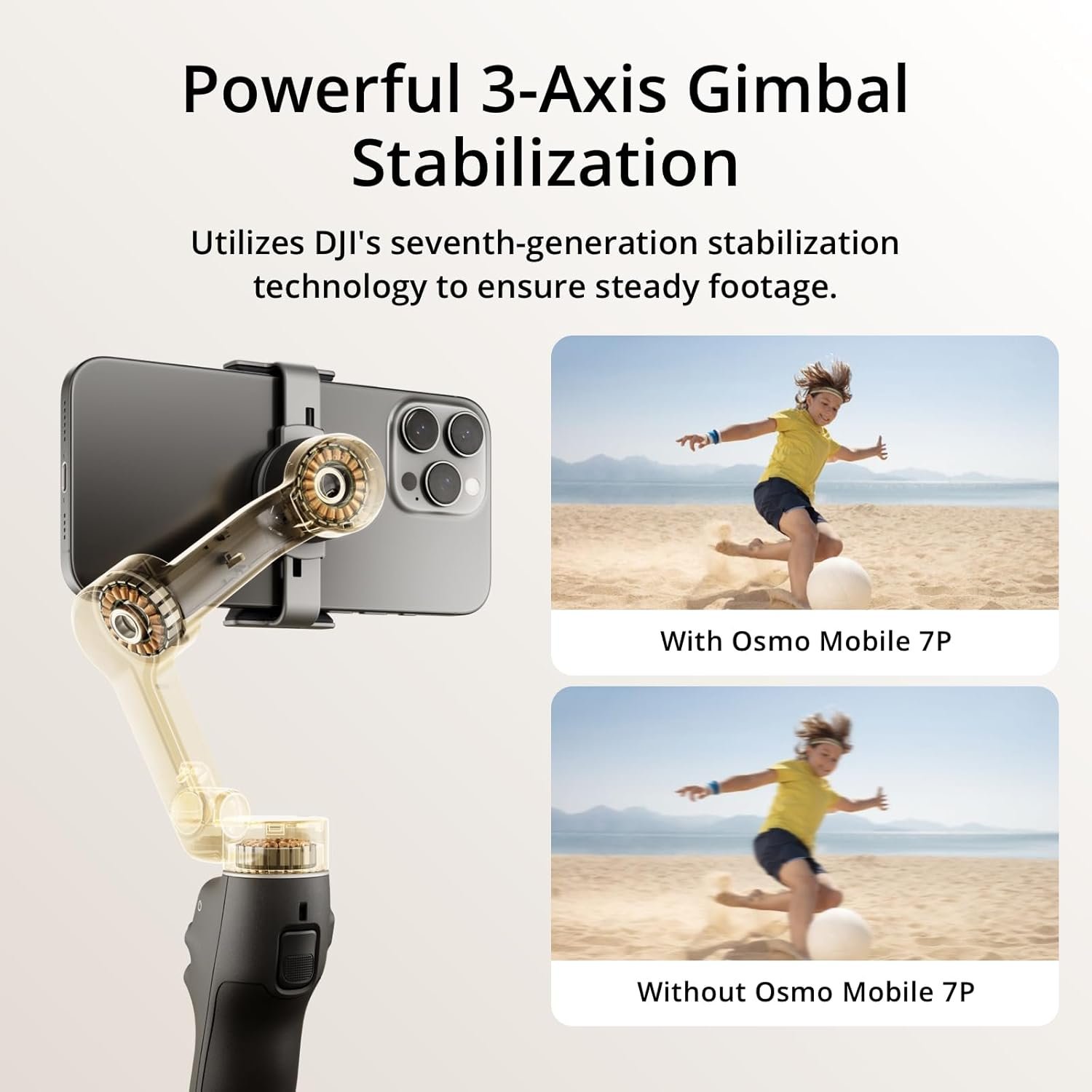
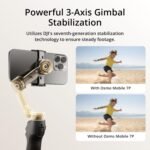
Performance: Stabilization is excellent. Whether walking, panning, or following fast-moving subjects, footage remains buttery smooth. DJI’s ActiveTrack has gotten smarter—it tracks faces and objects faster, and it doesn’t get confused in crowds or low light. The motors are quieter, and the improved battery lasts me close to 10 hours with regular use.
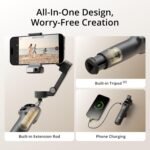
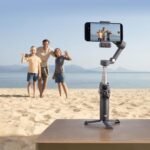
New features: One standout is the upgraded magnetic clamp—it’s stronger and easier to align. The AI-assisted shooting modes (like Gesture Control 2.0 and Auto-Framing) are genuinely helpful, not gimmicky. I also appreciated the built-in tripod legs—feels like DJI finally realized most users don’t want to carry separate gear.
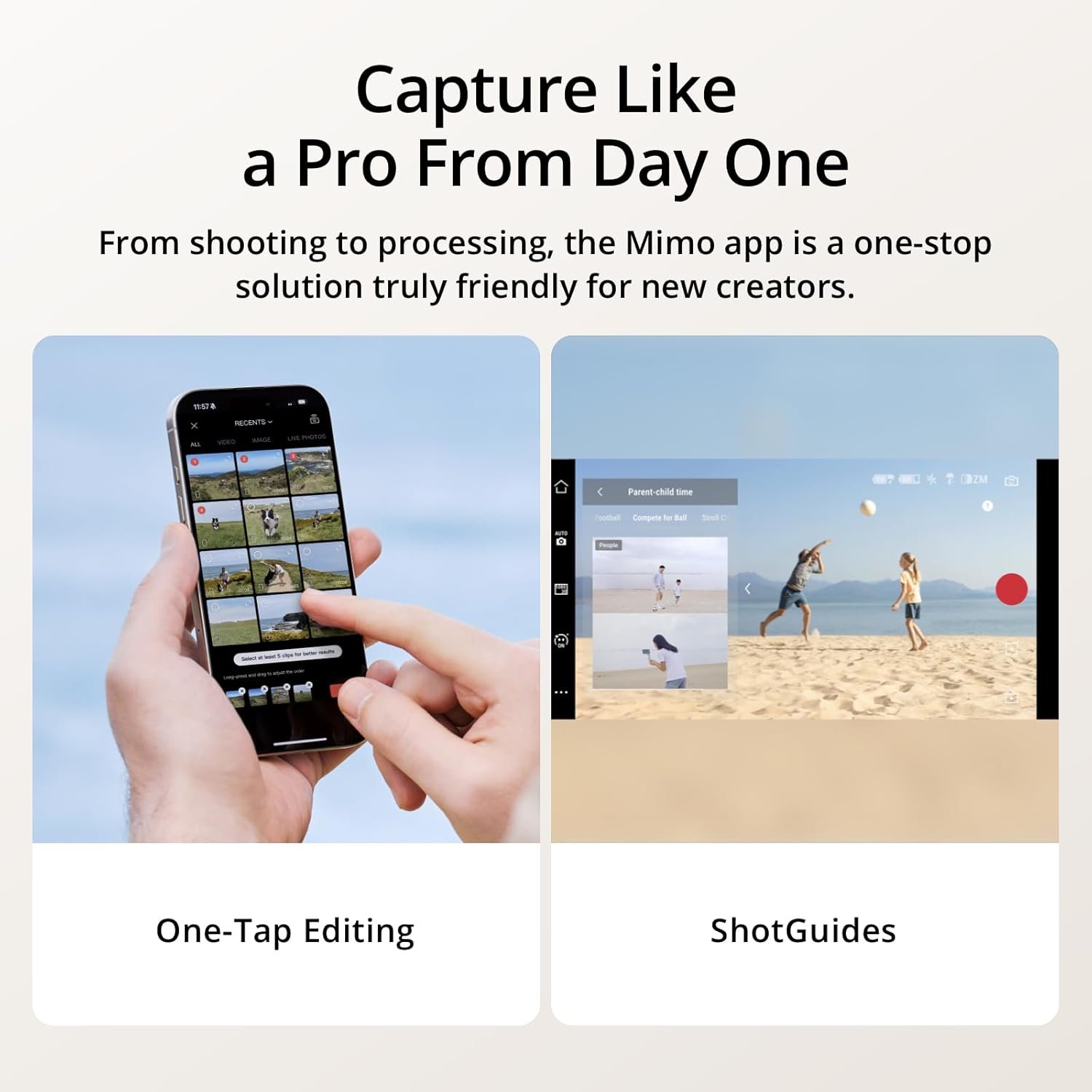
App experience: The DJI Mimo app is solid, with an intuitive interface and a suite of creative modes like DynamicZoom, Story Mode, and CloneMe panorama. That said, it still occasionally feels a little bloated, and exporting footage to other editing apps could be more seamless.
Minor drawbacks: It’s a little pricier than previous models, and while it works with larger phones, heavier setups (especially with lenses or filters) can push it to its limits. It’s not made for heavy-duty rigs—but for typical smartphone creators, it’s more than enough.
Final verdict: The DJI Osmo Mobile 7P is ideal for content creators, vloggers, or anyone wanting cinematic video from their phone. It’s smart, compact, and packed with features that make shooting fun and professional-looking without requiring a steep learning curve.
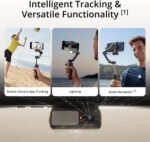
For capturing the dynamic nature of events, this gimbal is a game-changer. The 3-axis stabilization ensures all my footage is incredibly smooth, even when I'm moving through crowds. The Native Tracking is phenomenal for keeping subjects perfectly in frame, which is crucial during live performances or fast-paced activities. I've also found the built-in lighting feature to be surprisingly effective in mixed or low-light event settings.
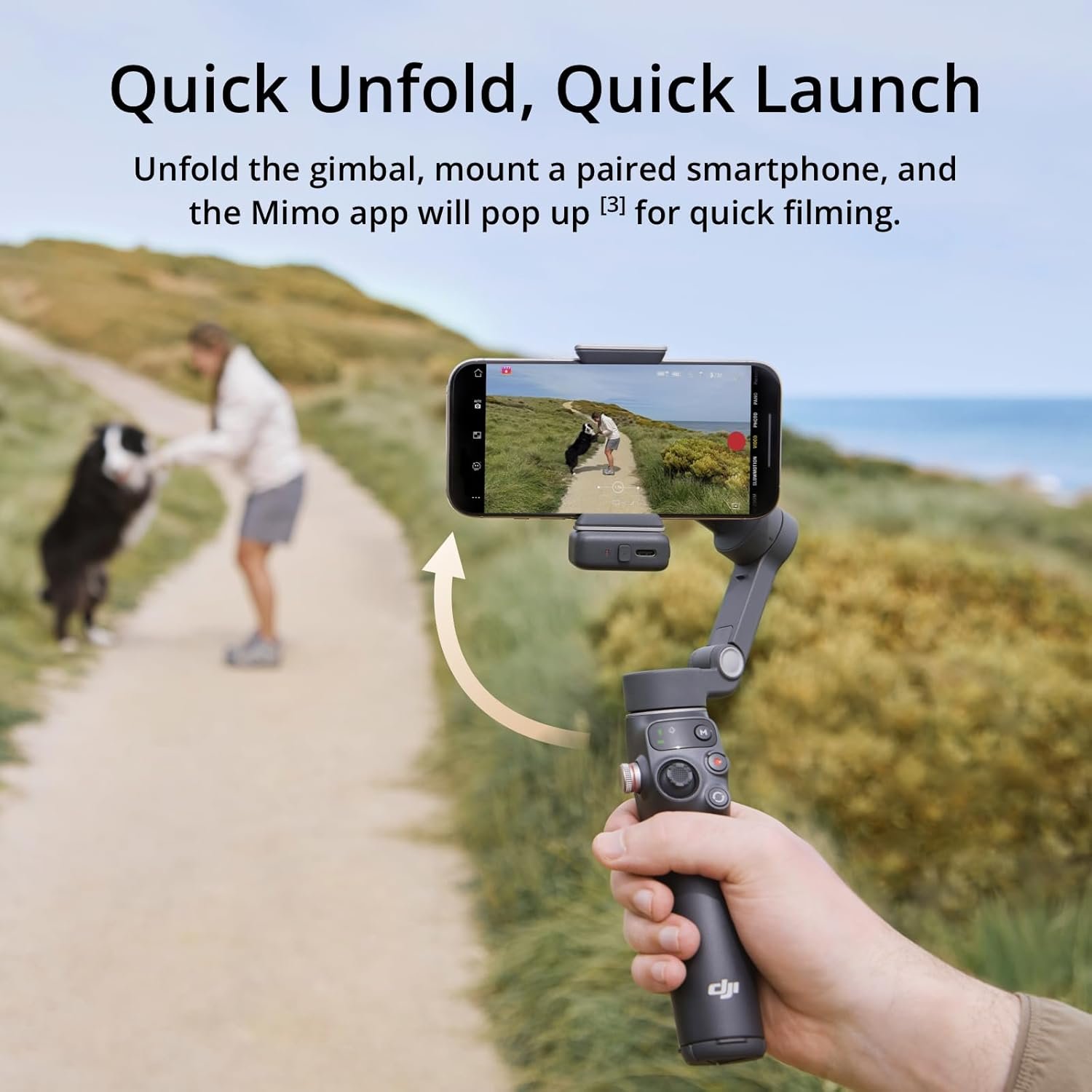
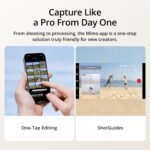
The Quick Launch means I never miss a spontaneous moment, and the built-in extension rod and tripod offer fantastic versatility for different shots, from wide views to stable interviews. With a solid 10 hours of use and the ability to charge my phone, it powers through long event days without a hitch. Plus, the one-tap edit features are a real time-saver in post-production. If you're an event content creator, I can't recommend the Osmo Mobile 7P enough – it truly elevates the quality and professionalism of my work.